Getting in
No guessingat the gate.
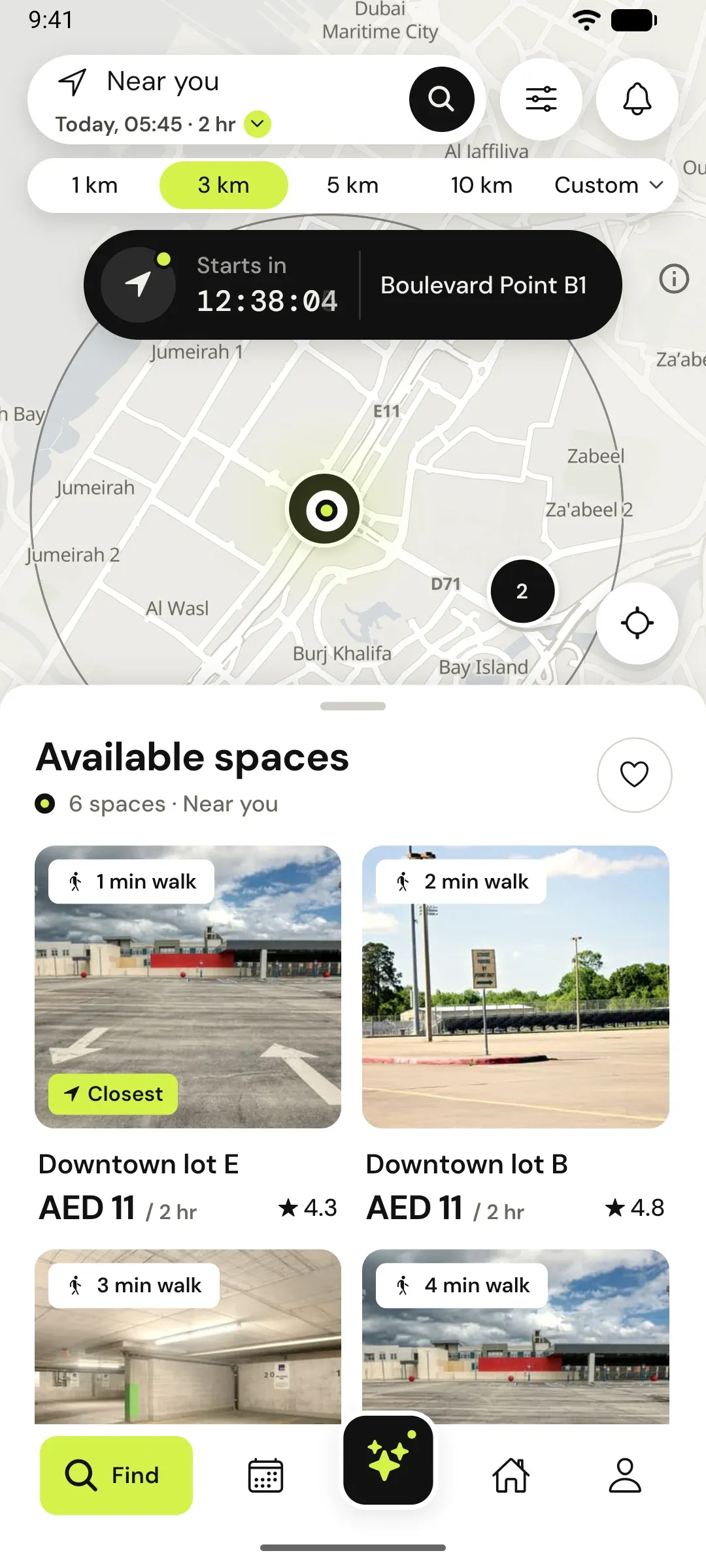
A free bay is no use if the barrier will not open. Every space on Parking Space says how you get in, and your booking shows it again when you arrive.
Six ways in
The host picks one when listing
You see it on the space before you book, so you know what to expect.
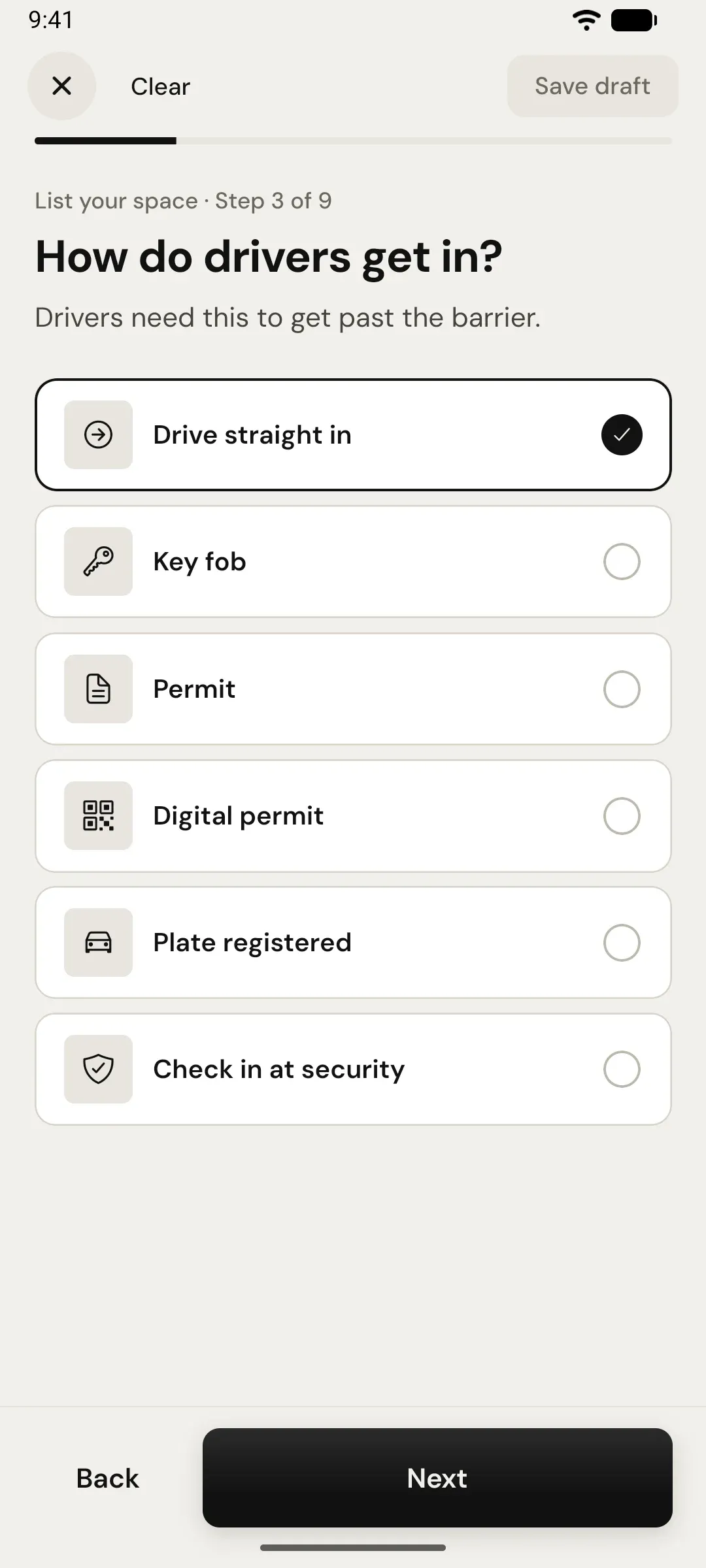
- Drive straight inNo barrier. Find the bay number and park.
- Check in at securityGive your plate at the desk. Common in towers.
- Plate registeredThe host adds your plate and the camera opens the gate.
- Digital permitThe host sends a pass to show or scan.
- Key fobMeet the host for the fob. Best for monthly bookings.
- PermitA printed permit for the dashboard, handed over once.
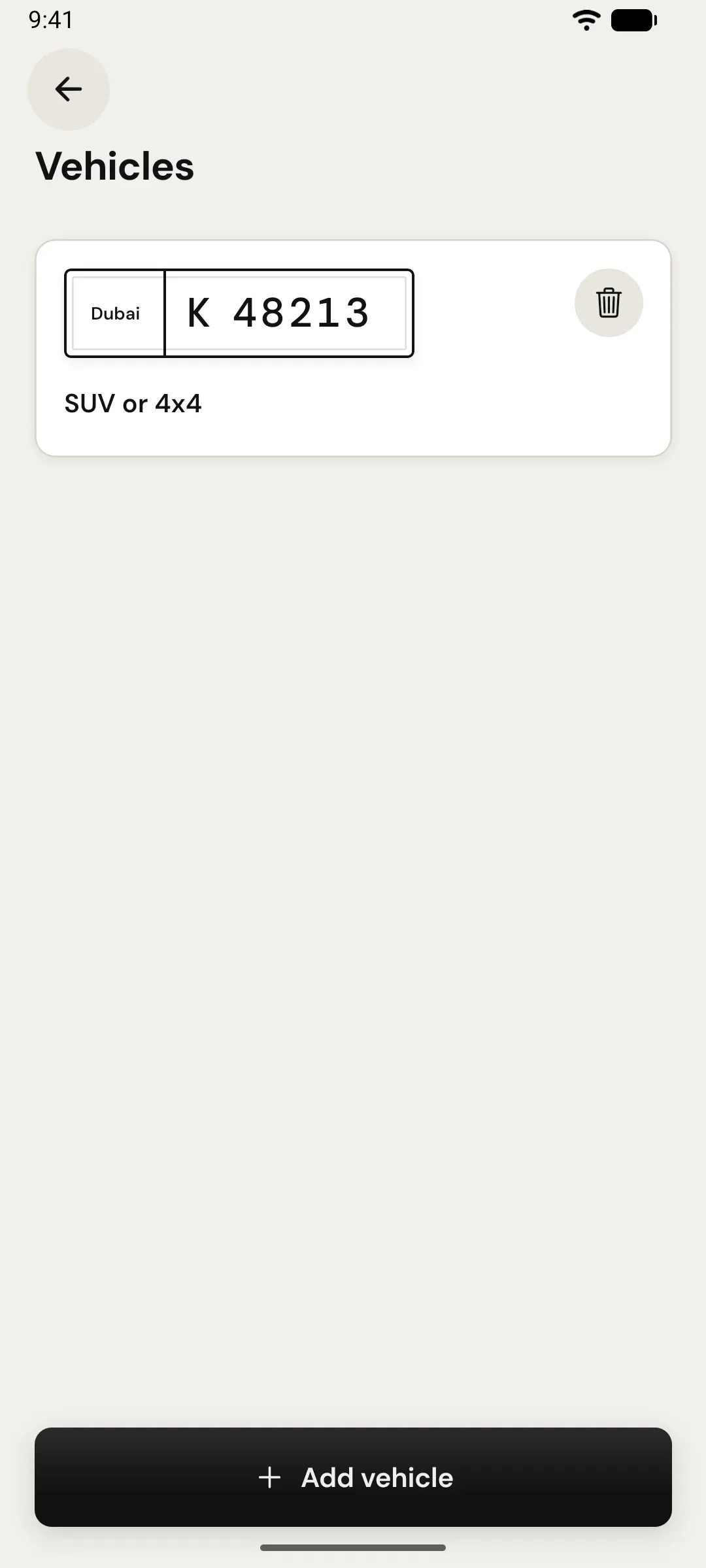
Your plate, once
Buildings check plates
Add your car to your profile with its plate and size. It goes with every booking, so security or the camera knows you are expected.
- Plates from any emirate
- Size decides which spaces you see
- Change cars per booking
For hosts
Tell drivers how to get past the barrier
Choose the method, then add directions only booked drivers see: the side entrance, the basement level, the bay number.
- Directions stay private until a booking
- Key and permit handovers suit monthly lets
- Message drivers in the app if plans change
Coming soon · iPhone & Android
Arrive knowing the way in.
Join the waitlist and we’ll email you the day Parking Space opens.