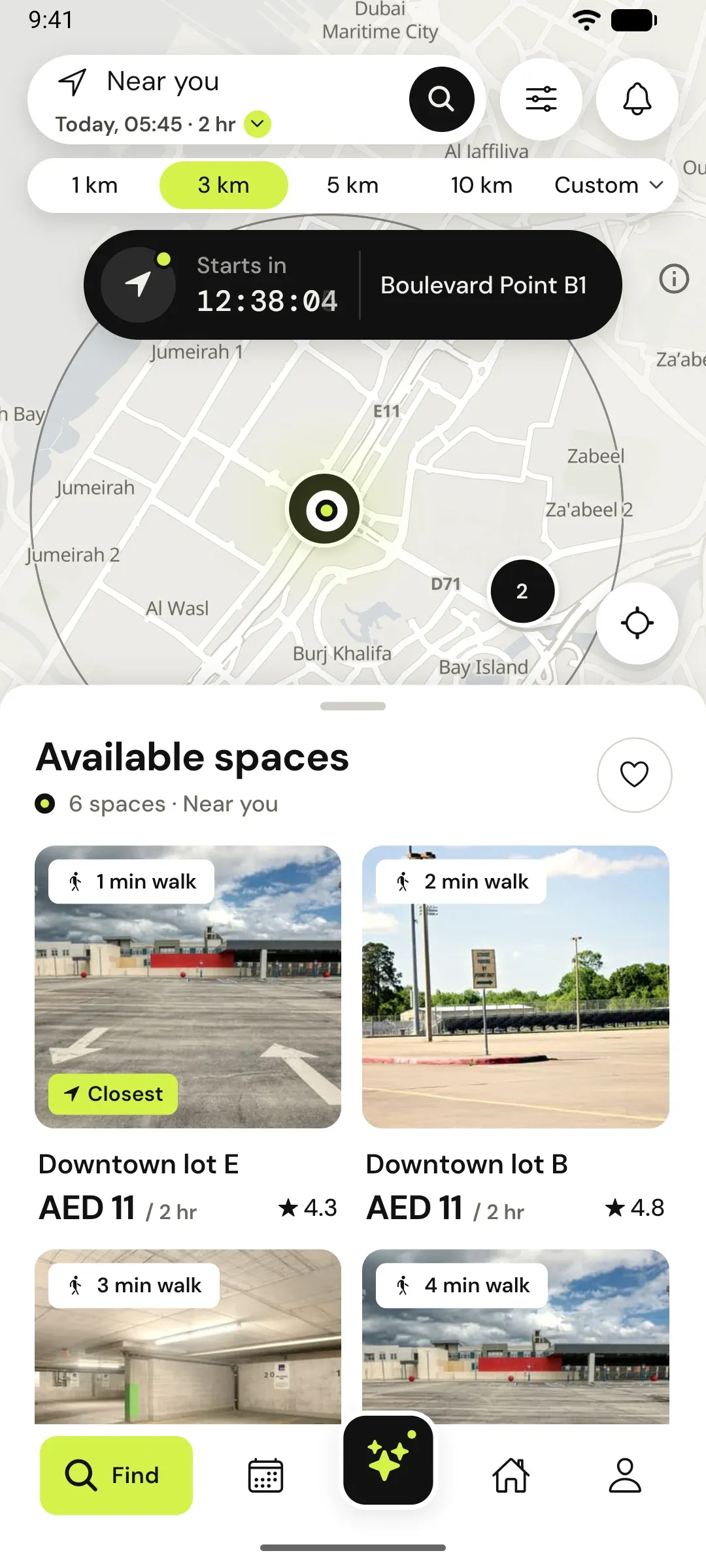
For hosts
Your bay is livein nine steps.
Listing asks one question per screen and saves as you go. Most hosts finish in a few minutes, and drivers nearby can book as soon as you publish.
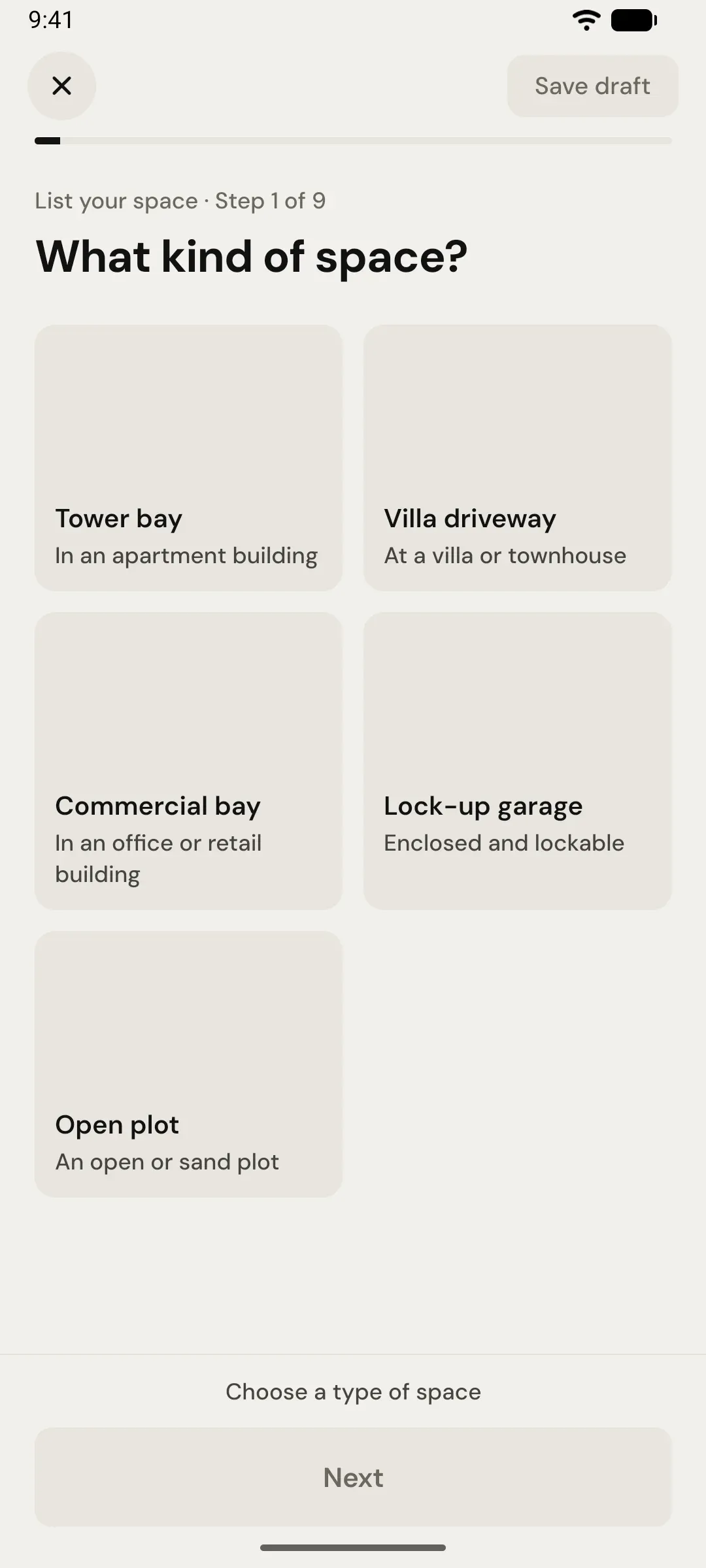
Steps 1 to 3
What and where
The basics a driver needs to choose your space.
- 01
Type
Tower bay, villa driveway, commercial bay, lock-up garage or open plot.
- 02
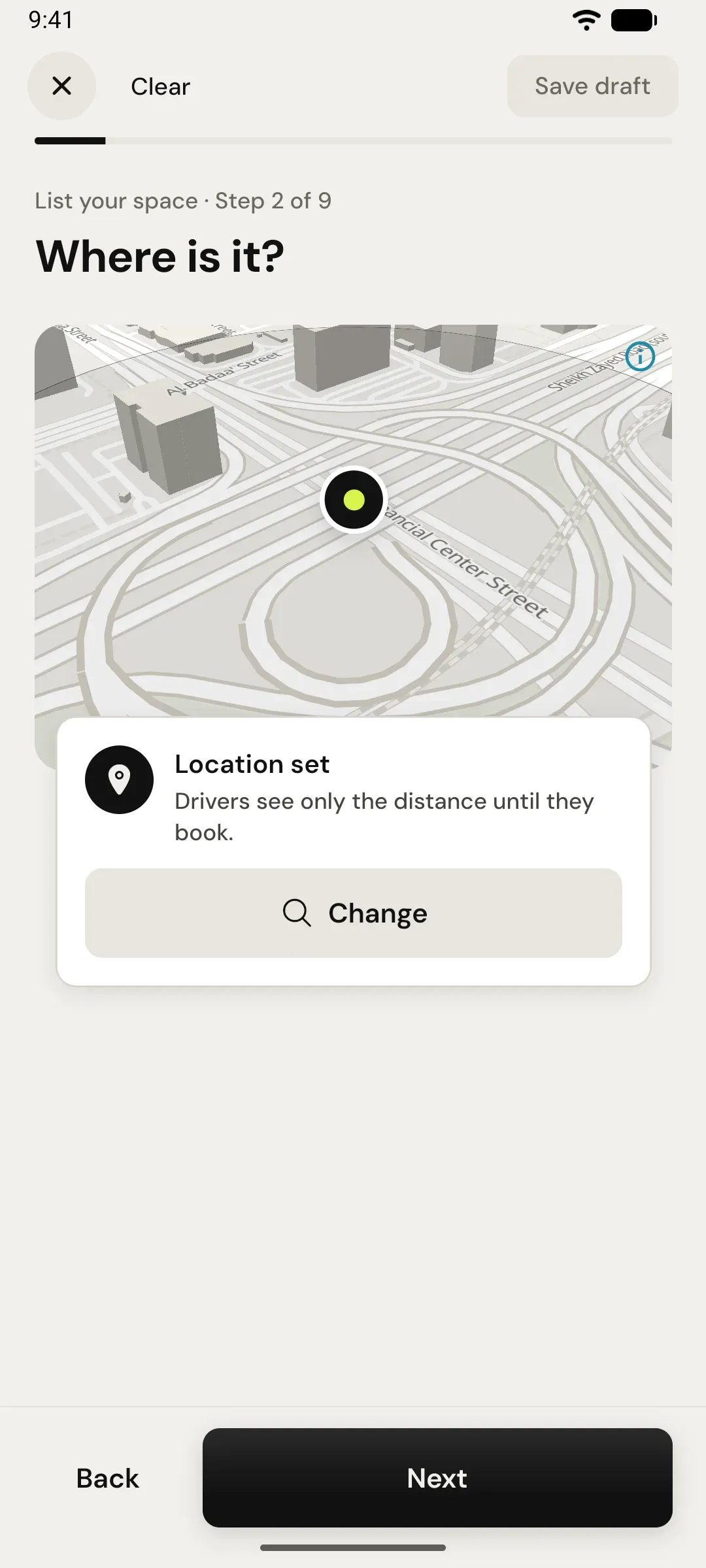
Location
Drop the pin. Drivers see only the distance until they book.
- 03
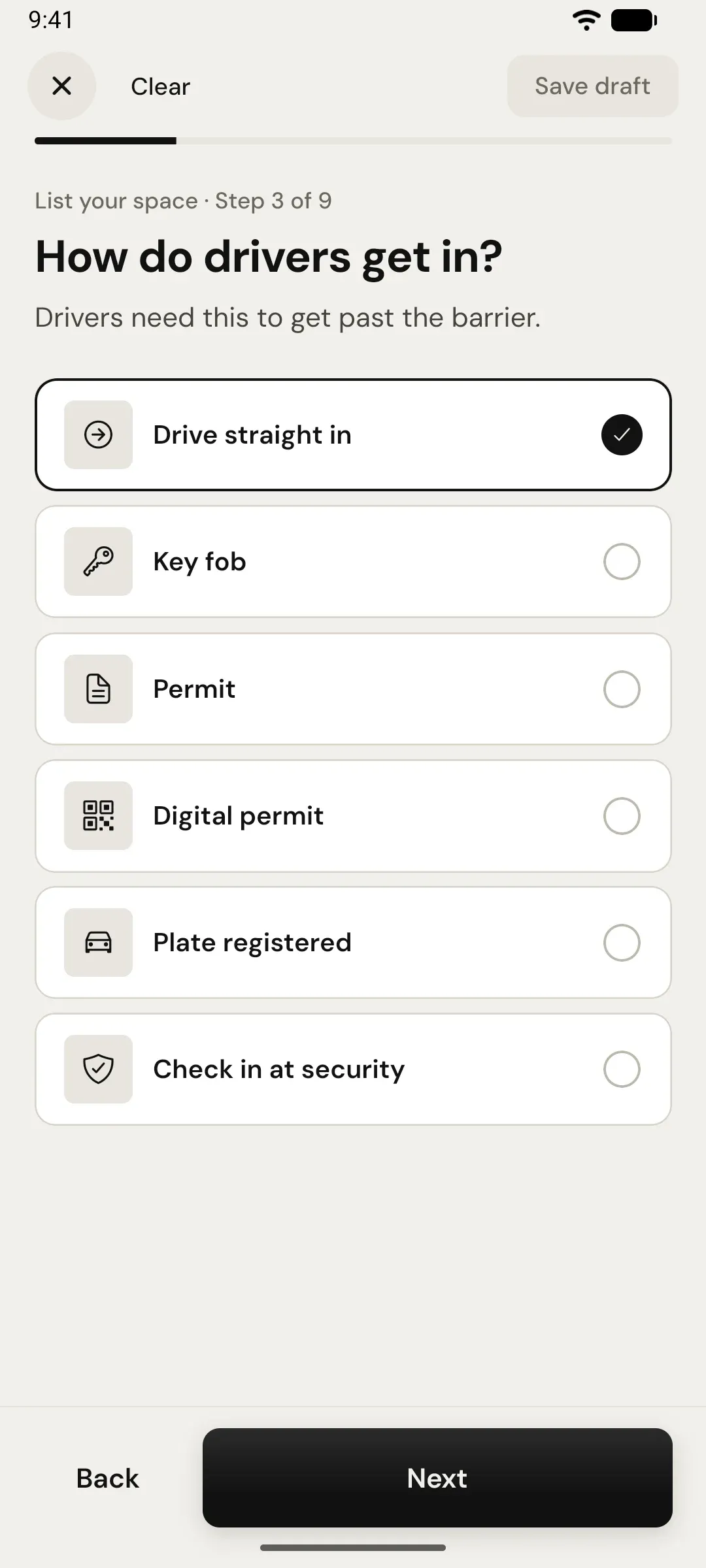
Access
How drivers get past the barrier: six options, from drive in to security desk.
Steps 4 to 6
What it is like
Details that stop the wrong car turning up.
- 01
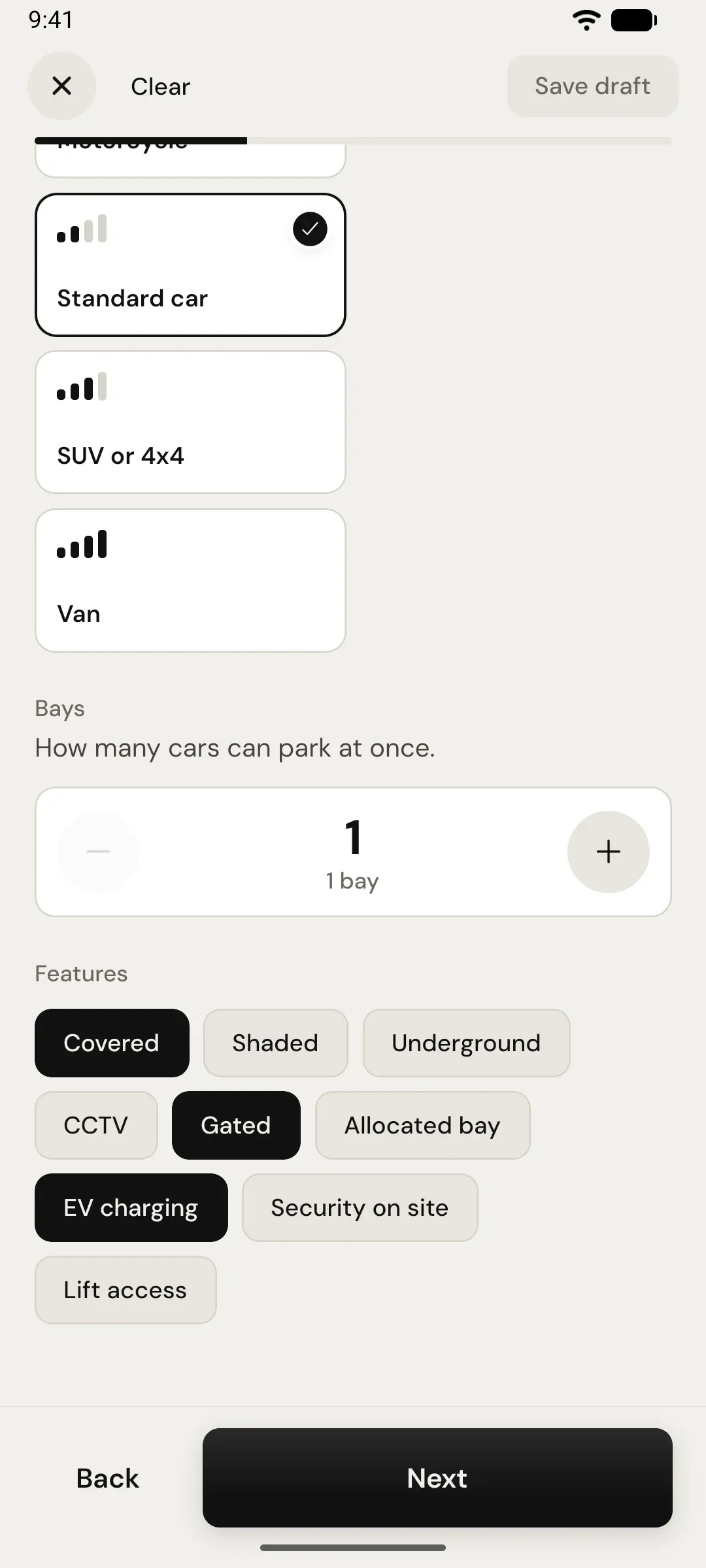
Size and features
The largest vehicle, how many bays, and what it has: covered, CCTV, EV charging.
- 02
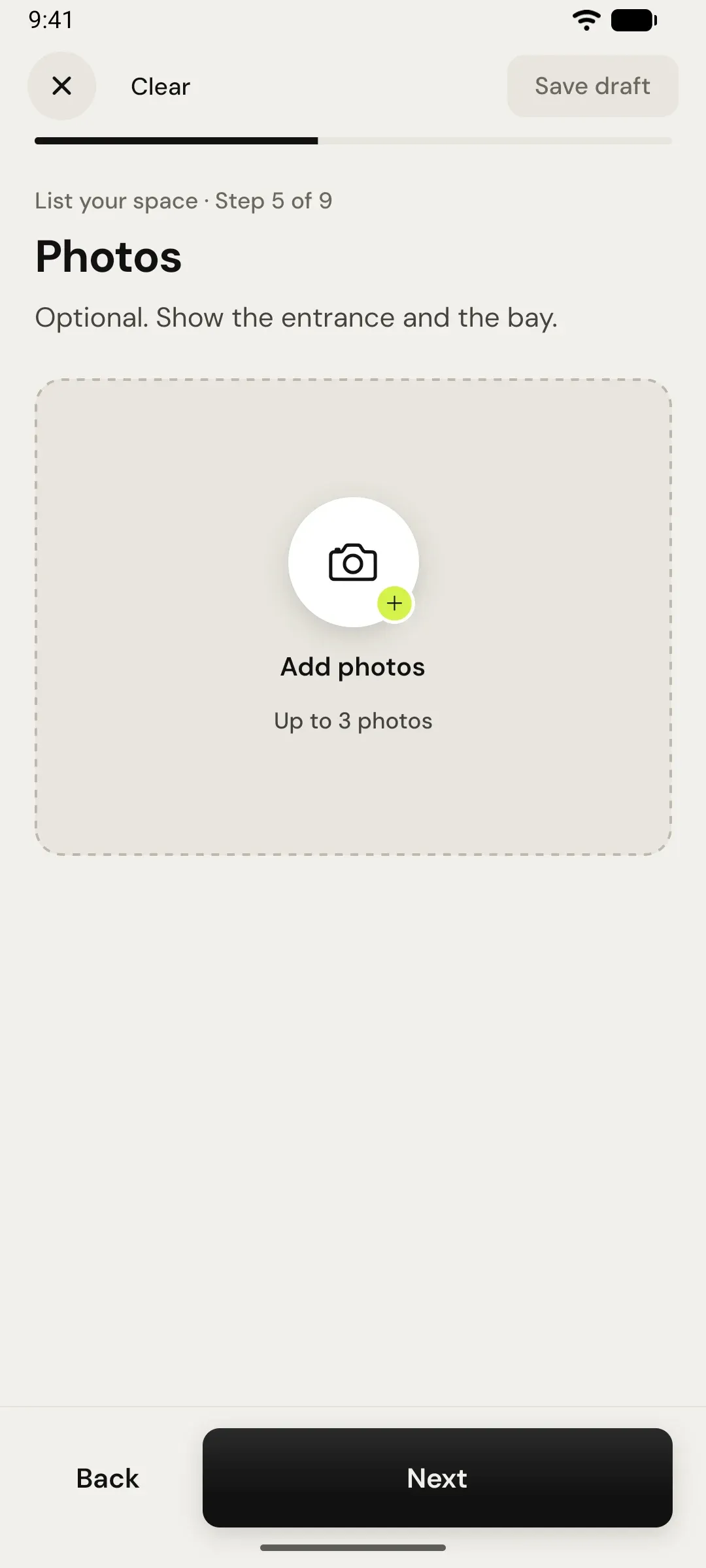
Photos
Optional, up to three. Show the entrance and the bay.
- 03
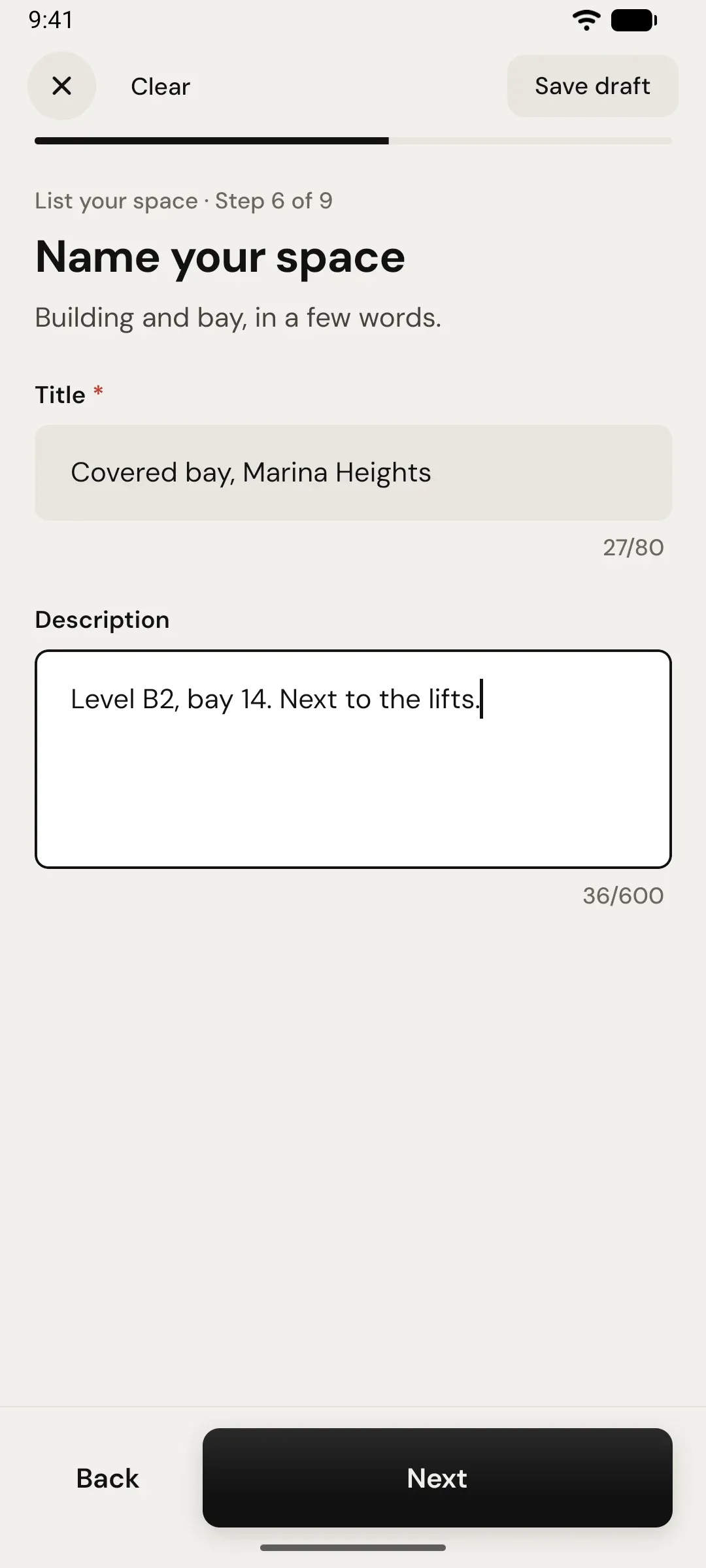
Title
Building and bay in a few words, plus the level and landmarks.
Steps 7 to 9
When and how much
You decide when it can be booked and what you earn.
- 01
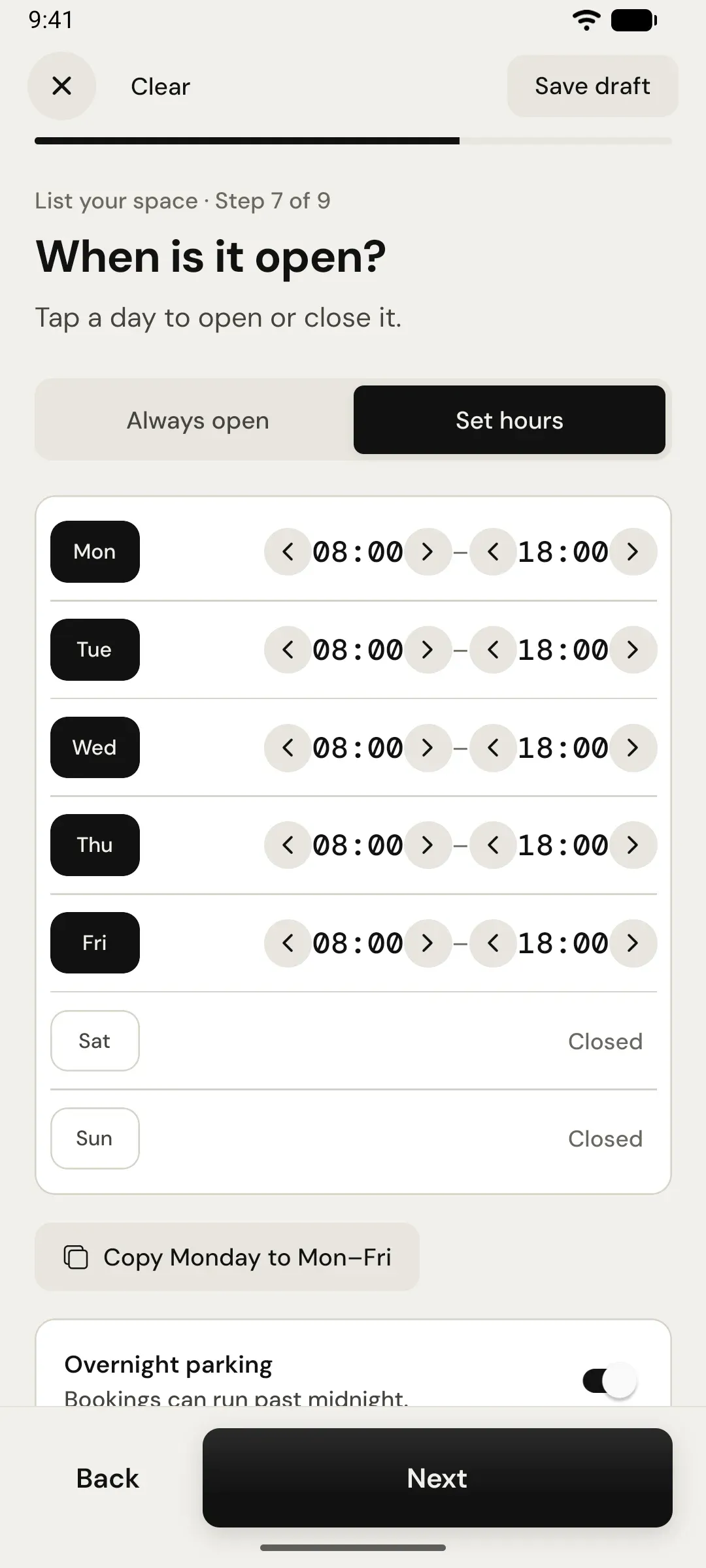
Hours
Always open, or set hours per day. Allow overnight if you like.
- 02
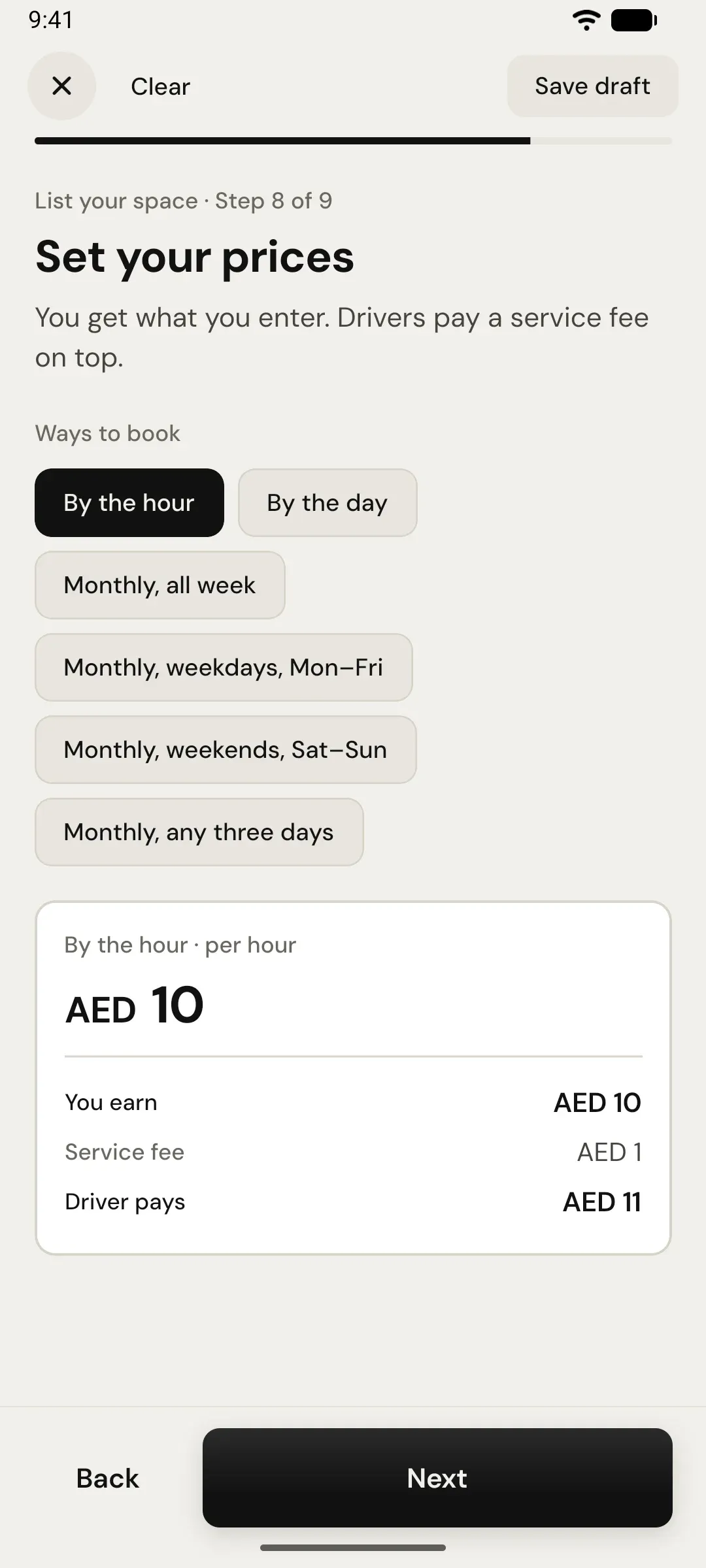
Prices
Hourly, daily or monthly. You get what you enter; the driver’s fee is on top.
- 03
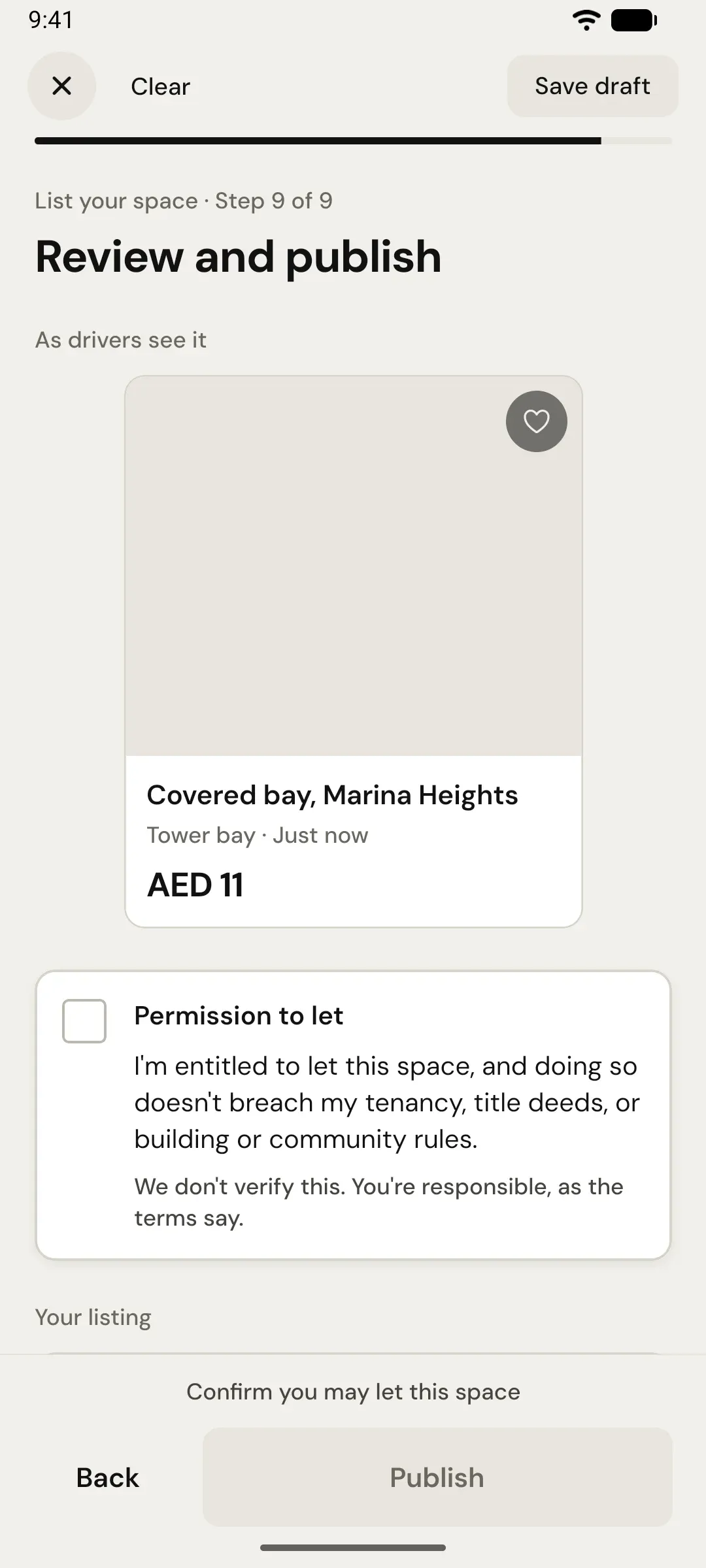
Review and publish
See it as drivers will, confirm you may let it, publish.
After you publish
Run it from the Host tab
Switch between driving and hosting in one app.
- Your spacesEach listing with its price, views and saves.
- ArrivingWho is coming, when, and in which car.
- EarningsBooking totals this month and what is ahead.
- DatesClose a day, open one, or set an event price.
- MessagesTalk to booked drivers without sharing your number.
- ReviewsDrivers rate accuracy, access, security and value.

Coming soon · iPhone & Android
List your space first.
Join the waitlist as a host and we’ll email you the day listing opens.